Optimal Desktop Icon

Optimal Desktop

A native, instant-access workspace that blends into your desktop.

Optimal Desktop is your native, lightweight workspace for Mac that combines a Focus Timer, Task Management, and Quick Notes, Calendar and quote into a single, sleek interface. It’s designed to be the "antidote" to heavy, bloated productivity apps keeping everything just one shortcut away without slowing down the system.

Get Optimal Desktop
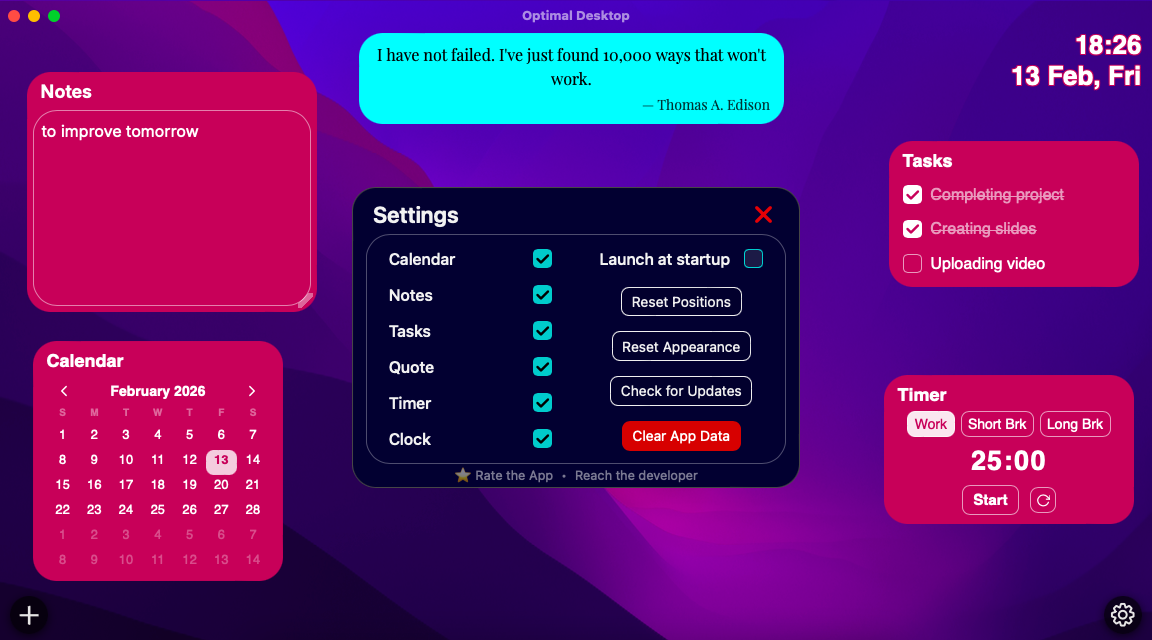
Screenshot 1

All your essential widgets, beautifully integrated.

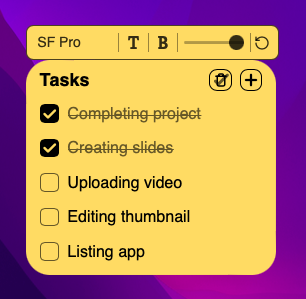
Screenshot 2

Your workspace, your rules.

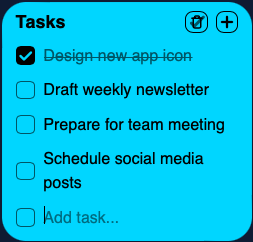
Screenshot 3

Your day, at a glance.

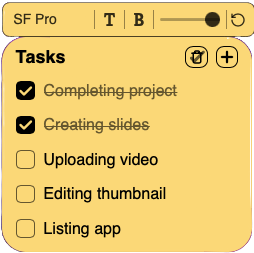
Screenshot 4

Make each widget uniquely yours.

See Optimal Desktop in action.

Essential Productivity Widgets

Everything you need to stay focused, always just a glance away.

Task Management Widget

Task Management

A simple yet powerful to-do list to keep track of your daily tasks and priorities, always in view.

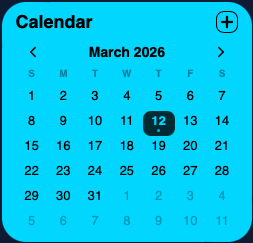
Calendar Widget

Calendar

See your upcoming events and meetings at a glance, ensuring you never miss an important appointment.

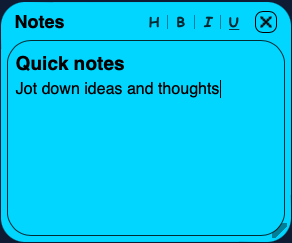
Quick Notes Widget

Quick Notes

Jot down ideas and thoughts instantly with a persistent notes widget right on your desktop.

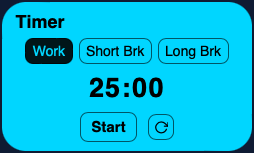
Focus Timer Widget

Focus Timer

A built-in Pomodoro-style timer to help you stay on task and manage your work sessions effectively.

Daily Quotes Widget

Daily Quotes

Get a dose of daily inspiration with a new, thought-provoking quote every day to keep you motivated.

Built for the Modern Mac

Optimal Desktop packs powerful features into a lightweight, native interface.

Global Shortcut Access

Toggle your workspace with ⌥+⇧+Space. Bring it forward for quick access or stick it to your desktop background.

Effortless Customization

Double-click any widget to change its font, colors, and transparency. Tailor the look and feel of your workspace with ease.

Privacy-Centric

All your data stays on your device. No cloud, no tracking, no compromises. Your privacy is paramount.

Infinite Layout Flexibility

Enjoy total freedom with drag-and-drop positioning and widget customization. Arrange your workspace exactly how you want it.

Smart Layout Persistence

Your widgets' position and appearance are auto-saved instantly, staying exactly where you left them across sessions.

Universal

Optimized for both Intel and Apple Silicon (M-series) chips, ensuring peak native performance on any Mac.

Automatic Updates

Stay up-to-date with the latest features and improvements with seamless, effortless in-app updates.

Loved by Users Worldwide

See what creative professionals and developers are saying about Optimal Desktop.

★★★★★

"I've been looking for a stylish note app like this where I can customize the colors and transparency exactly how I want! It's just perfect."

Anonymous
Working professional